 Ficelle
Free LLM API keys: legitimate sources, limits, and safe routing
Where to get a free LLM API key from the provider itself, how Groq and Gemini scope their quotas, and how to route free keys without leaks or surprise bills.
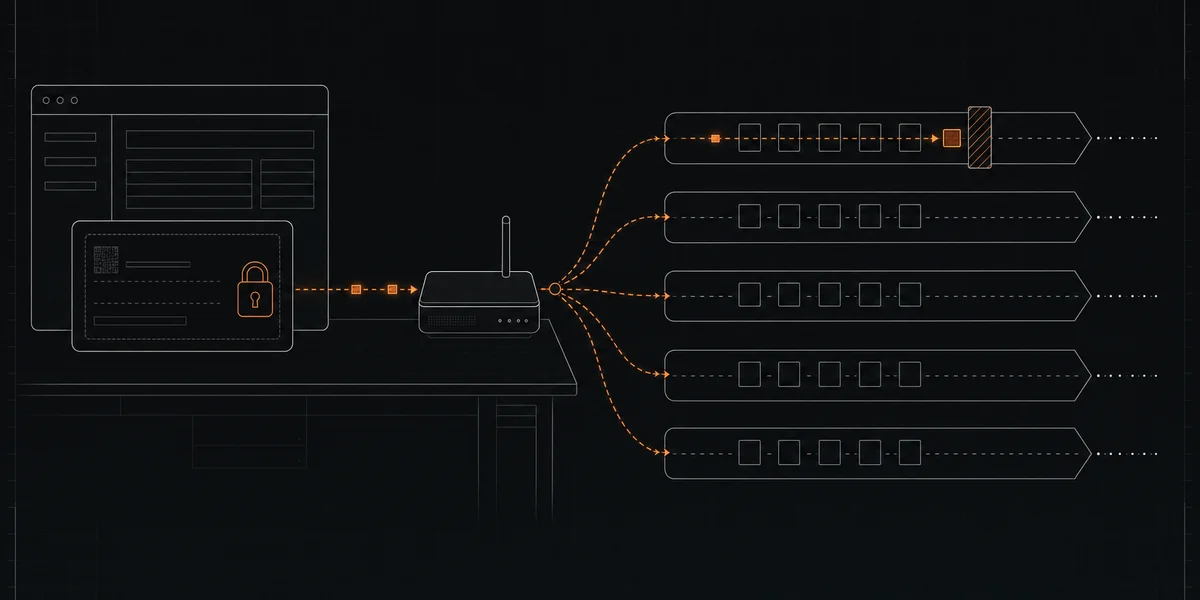
A search for a free LLM API key returns two kinds of results: provider consoles that issue you your own key, and lists of keys someone else already created. Only the first kind is legitimate. A key copied from a public repository, a forum post, or a shared spreadsheet belongs to another account. Its owner can revoke it at any time, the provider can block it, and every request you send runs against someone else’s quota and terms.
The legitimate route takes a few minutes and gives you a key you control. This guide covers two providers with documented free access, Groq and the Gemini API, and the checks to run before an agent depends on either key.
Three things a “free” key does not tell you
A key is only a credential. Whether a request costs nothing depends on three separate facts:
- Model price. The provider lists the model at zero cost on the plan you are on.
- Account entitlement. Your account or project actually qualifies for that free access. Some providers require verification, a region, or an account without billing attached.
- Live activation. A real request with your key succeeds today, for the model you named, within your remaining quota.
A catalog row showing a zero price settles only the first point. Test the other two with your own account before you build on them.
Getting a Gemini API key from Google AI Studio
Google’s API key documentation describes the official path:
- Sign in to Google AI Studio and accept the terms of service. New users get a default Google Cloud project and a key created automatically.
- Open the API Keys page at
aistudio.google.com/apikey. Create a key there, or import an existing Cloud project first if your key does not appear. - Set the key as
GEMINI_API_KEYorGOOGLE_API_KEYin your environment. Google’s client libraries read either one, andGOOGLE_API_KEYwins if both are set. - If AI Studio labels the key Unrestricted, use Add restrictions and restrict it to the Gemini API.
Every Gemini key belongs to a Cloud project, and that project is what holds the quota. Google’s rate-limit documentation states that limits apply per project, not per API key, and that daily request quotas reset at midnight Pacific time. Creating a second key in the same project gives you no extra capacity. Google does not publish fixed free-tier numbers; your active limits appear per project in AI Studio, and Google notes that specified limits are not guaranteed. Imported projects, and projects created outside AI Studio, may need verification before they can use the free tier.
Free-tier Gemini traffic also carries data terms: Google may use that content to improve its products. The Gemini provider page summarizes the regional terms and model eligibility.
Getting a Groq API key
Groq issues keys in its console at console.groq.com/keys after you create a GroqCloud account. The Groq provider page lists the base URL and OpenAI-compatibility gaps.
Groq’s rate-limit documentation is the place to check what a key can do. Limits apply at the organization level, so several keys in one organization draw from the same budget. Each model has its own request and token ceilings per minute and per day. Your organization’s exact figures appear on the limits page in console settings, and they take precedence over any summary table, including ours.
Groq’s response headers tell you which budget is shrinking:
x-ratelimit-remaining-requestsrefers to requests per day.x-ratelimit-remaining-tokensrefers to tokens per minute.retry-afterappears only on a429 Too Many Requestsresponse.
A long prompt can therefore hit the per-minute token ceiling while the daily request counter still shows plenty left. Read both headers before deciding whether to wait seconds or until the next day.
Keep the key yours
Google’s key guidance applies to any provider: never commit keys to Git, do not embed them in web or mobile clients, and store them in environment variables or a secret manager. If a key leaks, create a replacement, deploy it, disable the old one, and check usage for activity you did not make.
The same logic explains why shared keys fail. A key posted publicly is exactly the leak those instructions warn about, and its owner is expected to rotate it.
Route several free keys without a surprise bill
One free key gives an agent one quota and one point of failure. When Groq returns a 429 or a Gemini project runs through its daily requests, a single-provider agent stops. A framework that retries against a paid model keeps running, but may bill you. Provider breakage is the silent killer of AI agents covers how rate limits, retired models, and capability drift interrupt agents, and how cooldowns and quarantine contain them.
Ficelle is a local, OpenAI-compatible router. You keep credentials on your machine, and requests go directly to the selected provider rather than through a Ficelle-hosted proxy. Groq and Gemini are listed in Ficelle Pro’s maintained provider pack; a provider is used only when its integration is enabled in your installation and its models pass free-access and capability checks. Pack membership does not prove your account is entitled to free use, so the three checks above still apply.
Strict-zero routing keeps paid fallback disabled. When a model rate-limits, Ficelle can retry another eligible candidate; when none can serve the request, it returns an error instead of switching to a paid model. That guard works on the local side only. If an upstream account permits paid usage beyond its free allowance, the provider’s own billing settings still decide what you pay, so keep each account within its free entitlement.
Ficelle is English-only and its routing code is source-available under the Business Source License 1.1.
Free models also have limits on quality. In Ficelle’s free-versus-paid benchmark, paid models won 50% of the long-form writing tasks (GPT-5 won 10 of 20 polished-content tasks), so long-form writing may still belong on a paid model or with a human editor.
If you would rather not track which provider keys, model IDs, and quota scopes still work each week, see maintained Ficelle plans.
